Welcome to the Happy Poop Ecosystem
Whether you are proactively tracking your digestive health, monitoring daily habits, or managing essential data for your family members and pets, Happy Poop is designed to provide a comprehensive, intuitive experience. This documentation will guide you through the initial setup phases, explaining the fundamental differences between local device storage and our cloud-synchronized account system.
The Core Offline Experience: No Account Required
One of the foundational philosophies of Happy Poop is absolute accessibility. We firmly believe that users should have immediate, unrestricted access to their personal health data without encountering mandatory registration walls. Therefore, creating an account is completely optional.
Upon downloading the application or visiting the web platform, you can immediately utilize our robust local-device features. Without ever providing an email address, you retain full access to:
- Comprehensive Health Logging: Meticulously record daily data points including poop types (utilizing the standard Bristol Scale alongside custom user-defined traits), pee volume and color, menstruation cycles, and custom daily habits.
- Advanced Data Visualization: View your historical data through our interactive calendar interface, or analyze long-term health trends using detailed charts, statistical tables, and comprehensive records.
- Local Data Export: Maintain total ownership of your health records by exporting your data locally as a CSV or PDF file—ideal for sharing with healthcare professionals.
- The Pastime Environment: Access our dedicated entertainment suite designed for toilet time. This includes a vast library of relaxing audio tracks categorized by mood (Celtic, Classic, Epic, Nature), educational articles regarding digestive health, and a full suite of 12 offline mini-games (including 2048, Tetris, Sudoku, Pacman, Wordle, and our exclusive "PoopSweeper").
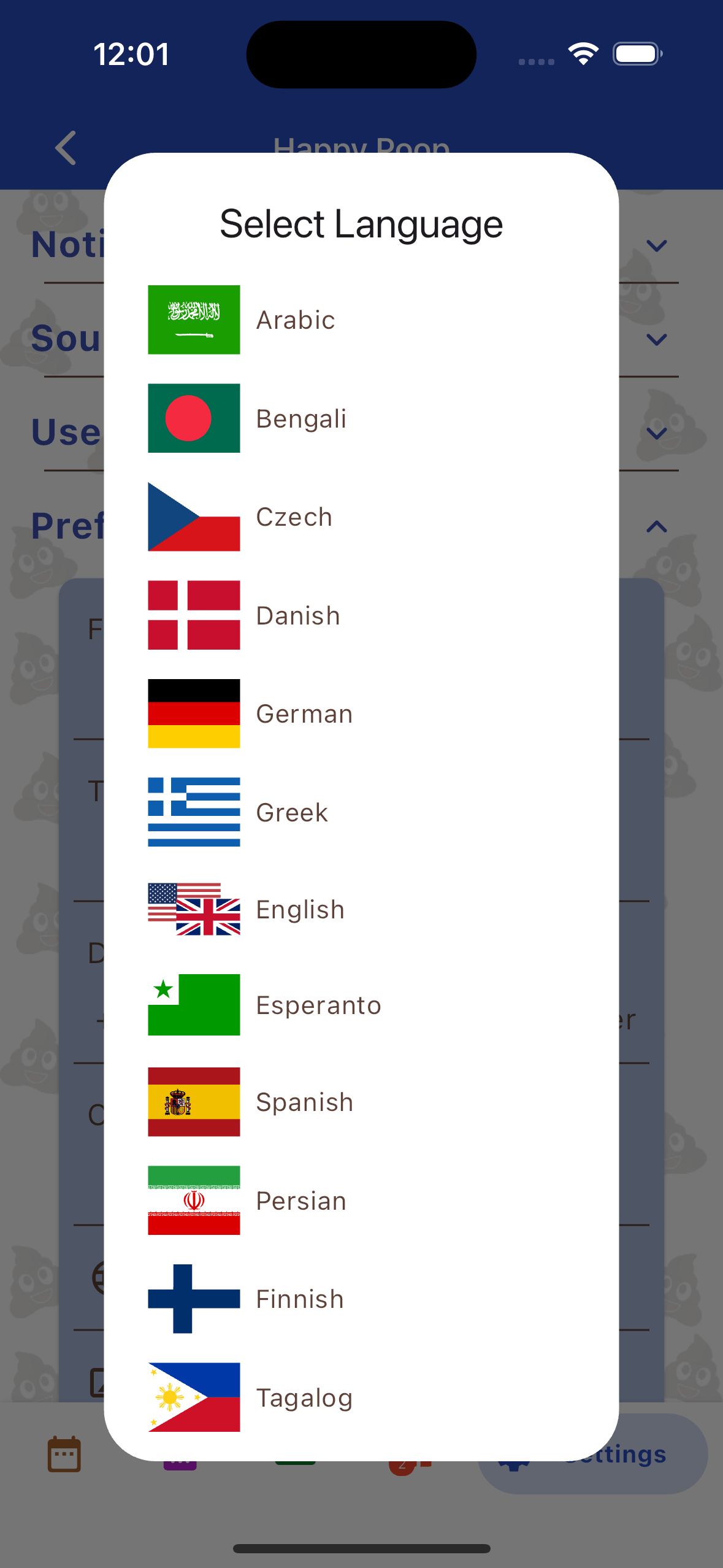
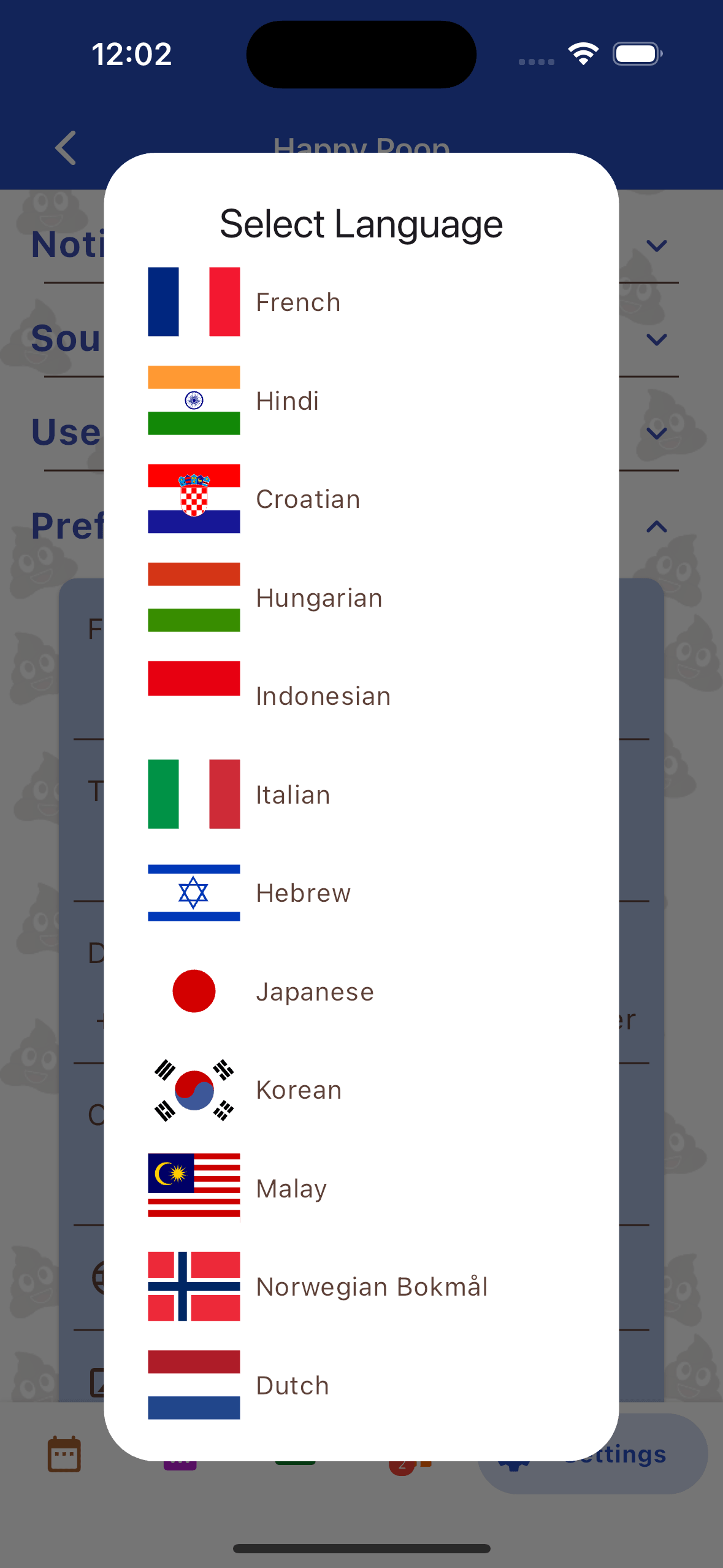
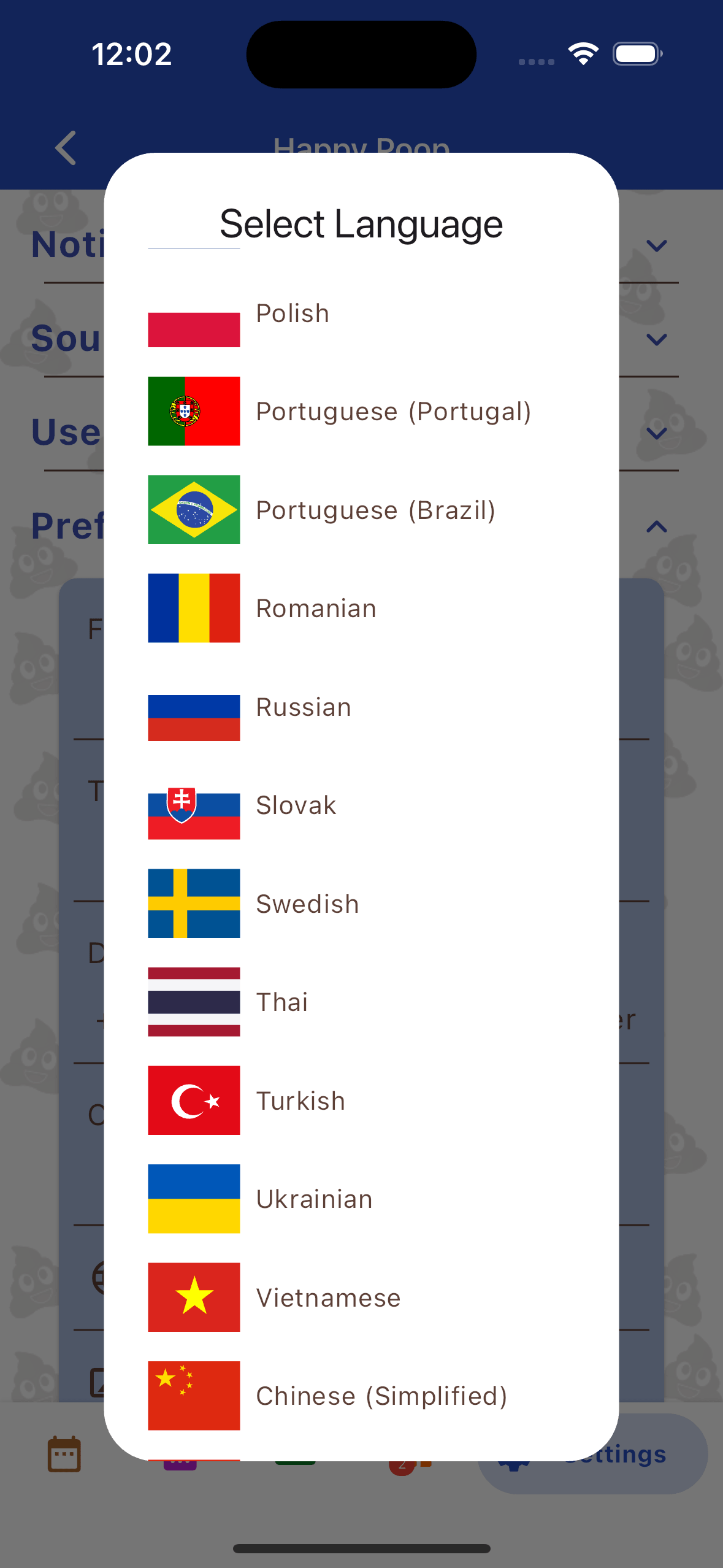
- Global Accessibility: Instantly switch the application's user interface between any of our 35 supported languages directly from the Settings tab.
Unlocking Advanced Features with a Free Account
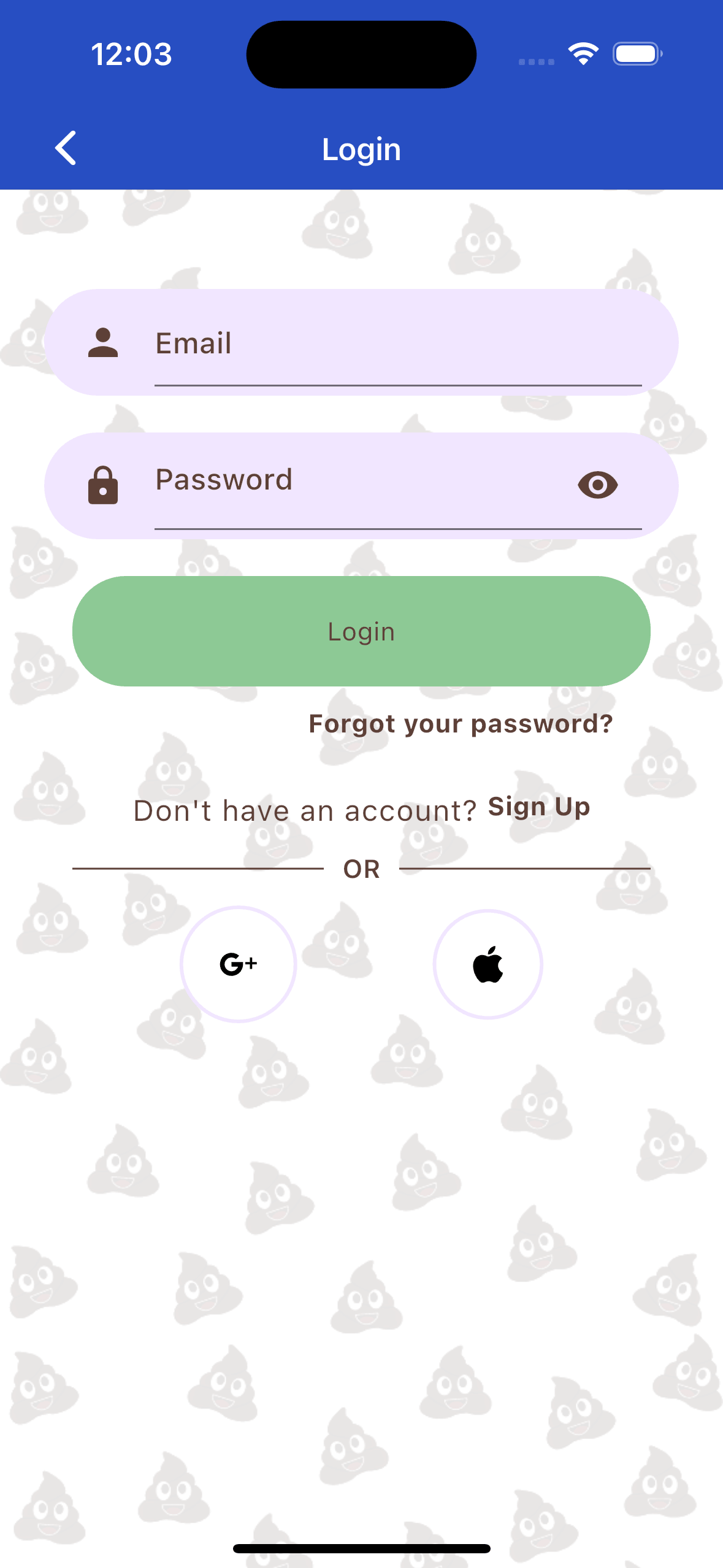
While the offline experience provides everything necessary for individual tracking, registering for a free Happy Poop account unlocks three powerful, cloud-based functionalities designed for users who require cross-device connectivity, enhanced documentation, and community support.
1. Automatic Cloud Backup & Device Synchronization
Never lose your tracking history to a broken or upgraded phone. By creating an account, your data is securely and automatically backed up to our cloud servers. This enables real-time synchronization across all your devices. If you log an entry on your smartphone, it will immediately populate on the web dashboard and your tablet, ensuring your records are always up-to-date regardless of the device you are using.
2. Photographic Documentation
For users who need to track precise visual changes in their digestive health (often recommended by gastroenterologists), an authenticated account allows you to attach secure photo uploads directly to your individual log entries.
3. Social Connectivity and Shared Tracking
An account unlocks the application's "Social" tab. This feature allows you to connect with friends, family members, or accountability partners. You can follow other users to view their shared logs directly on your calendar, and vice versa. This is particularly useful for parents coordinating care for a child, or users supporting each other through dietary changes.
Web Application vs. Mobile Application Parity
Happy Poop is engineered as a unified cross-platform ecosystem. A common question from new users is whether they lose functionality by using a web browser instead of a native mobile app. The answer is no.
There is absolutely no compromise between platforms. The web version of Happy Poop contains 100% feature parity with the mobile applications. From data entry and statistical analysis to playing mini-games and customizing the dark/light theme, the web interface is completely identical in capability. The web application serves as a fully functional dashboard, making it easier to type custom notes, view large charts, and manage your account from a desktop computer.
Managing Profiles and Account Security
Our platform is built to accommodate multiple tracking subjects from a single installation. This "Multiple Profiles" feature ensures that you can keep data strictly separated.
Creating and Customizing Profiles
To add a new tracking subject (such as a child, an elderly relative, or a pet):
- Navigate to the Settings tab located in the main navigation bar.
- Select User, then tap Create Profile.
- To modify an existing profile, tap the pencil icon adjacent to the profile name. Here, you can define specific default types, quantities, and traits unique to that individual.
Account Deletion and Security Settings
You retain absolute control over your digital footprint. From the Settings > User menu, you can seamlessly update your email address, change your password, or permanently delete your account and wipe all associated cloud data with a single button press.
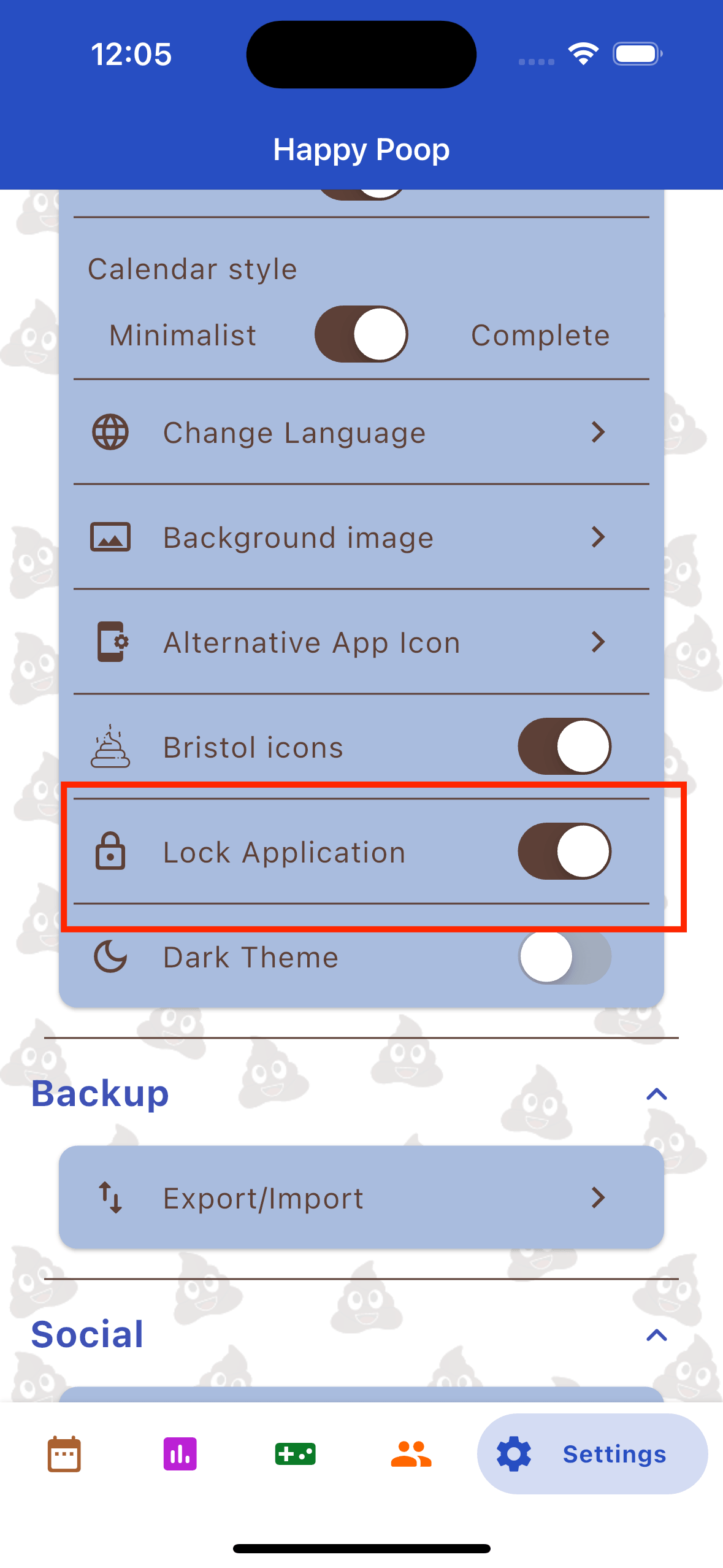
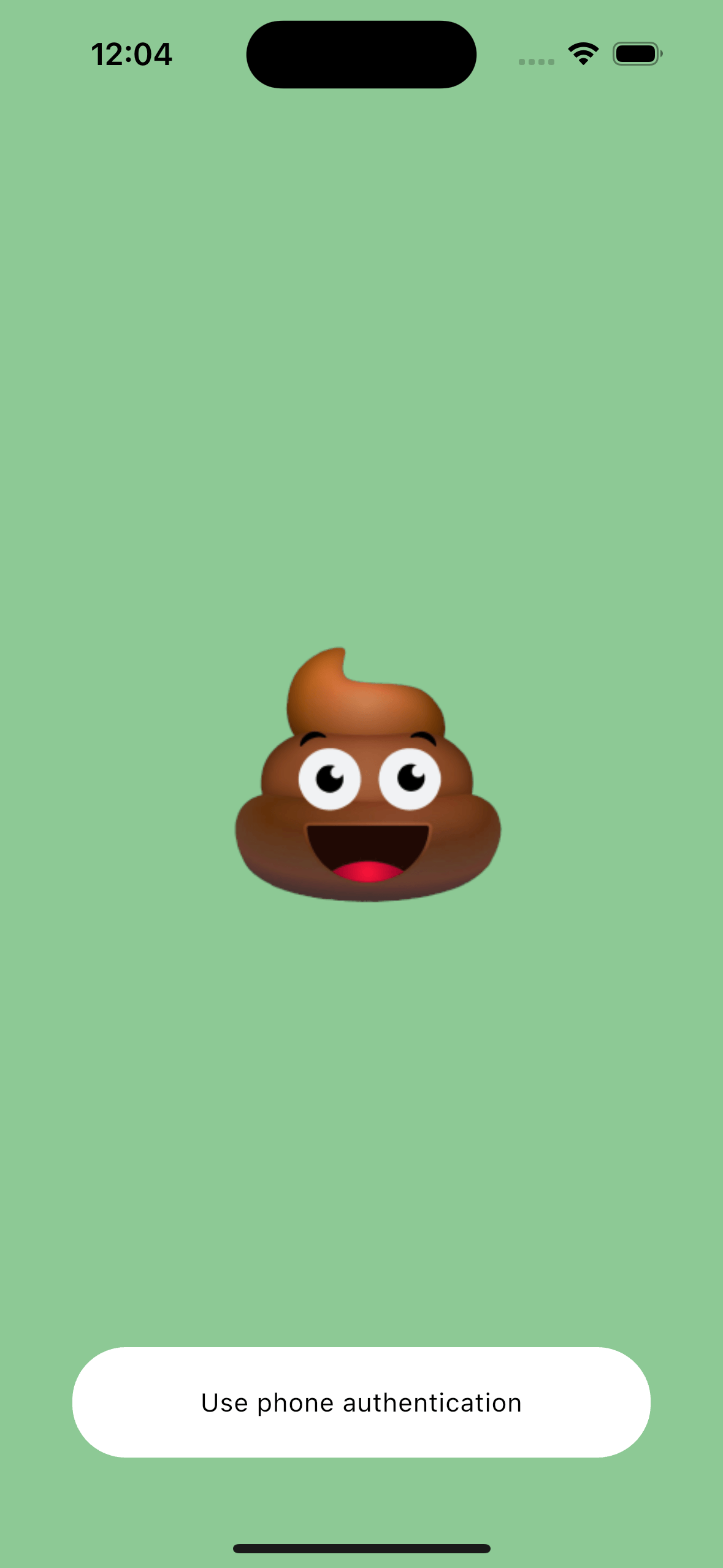
For enhanced local security, we highly recommend enabling the Lock Application feature. When activated, the application will intercept startup with an authentication screen, requiring your device's password, fingerprint, or biometric Face Unlock before revealing any sensitive health data or dashboard information.